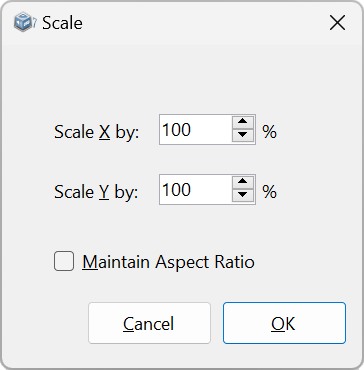
 Use Arrange | Scale to set a percentage scaling factor to apply to the current selection.
Use Arrange | Scale to set a percentage scaling factor to apply to the current selection.
With Maintain Aspect Ratio checked you can enter the scale factor into one scale editbox and the same factor will be applied in both axes, keeping the proportions of the scaled selection the same as the original, unscaled object(s).
|
Other Commands: |
Menu: |
Arrange, Scale |
|
Shortcut: |
Alt+S |